How to train a unit to use a handheld net launcher
05.11.2026
By Ptashka Drones Editorial Team
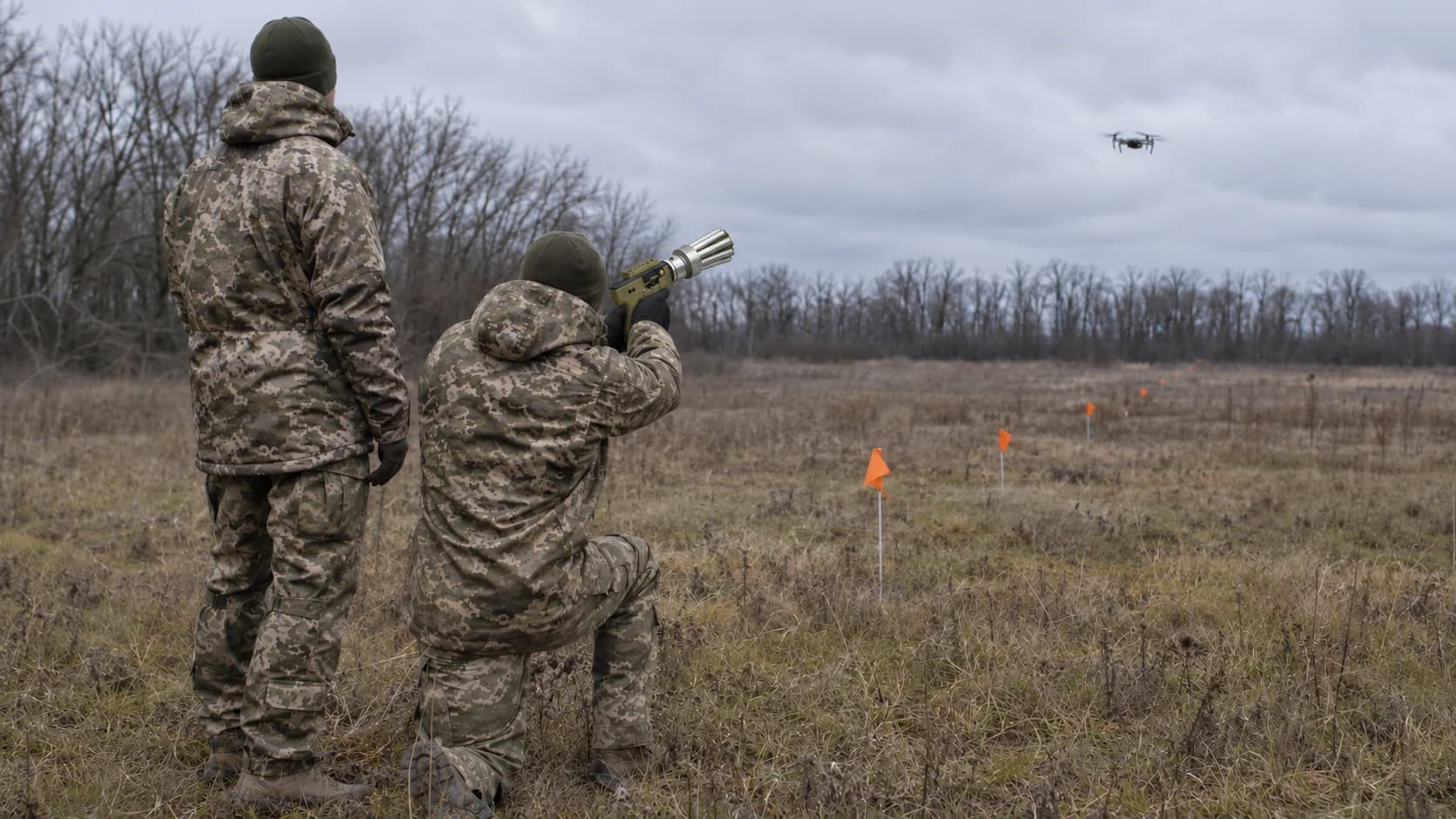
Training with a handheld net launcher starts with getting to know the device, a safety briefing and assigning roles. The responsible instructor decides which exercises suit the unit and when participants are ready to move on. Below is how to prepare a session, work with a training mock-up and debrief the results.
The Ptashka handheld net launcher at a glance
| Maximum firing range | Up to 30 m |
|---|---|
| Full net opening | At about 15 m |
| Net size | 3.7 × 3.7 m |
| Loading | Replaceable cartridge with a net |
| Loaded weight | About 1 kg |
These are the declared device specifications. Safe session conditions are set by the documentation of the specific kit and the range rules. Manufacturer specifications.
What a participant should be able to do after training
- Navigate the manual for their version of the net launcher and know the purpose of each kit item.
- Follow the range safety rules and understand when an exercise must be stopped.
- Explain their role in the session and pass observations to the instructor.
- Say what went well, where difficulties arose and what to repeat under supervision.
Five stages of training
| Stage | Task | What the instructor checks |
|---|---|---|
| 1. Safety and design | Check the documentation and explain the session rules | Participants know how an exercise is stopped |
| 2. Getting to know the kit | Go through each item and the record-keeping procedure | Participants tell equipment apart and spot signs of damage |
| 3. Static mock-up | Discuss what can be observed in the demonstration | Participants understand what the demonstration can and cannot show |
| 4. Training scenario | Go through the scenario with the instructor | Participants can stop the exercise when conditions change |
| 5. Coordination and debrief | Compare observations and sum up the session | The unit records mistakes and plans repetitions |
Stage 1. Safety and net launcher design
The instructor checks the kit against the manufacturer's documentation, assigns responsibilities and explains the range rules. Before the practical part every participant must know who runs the exercise, when it is stopped and how to report a fault.
Stage 2. Getting to know the kit
Under the instructor's supervision participants get to know the device and accessories, check the condition of the equipment and discuss what needs clarifying in the manual. Cartridge records are kept separately from skill assessment, so stock is clear before and after the session.
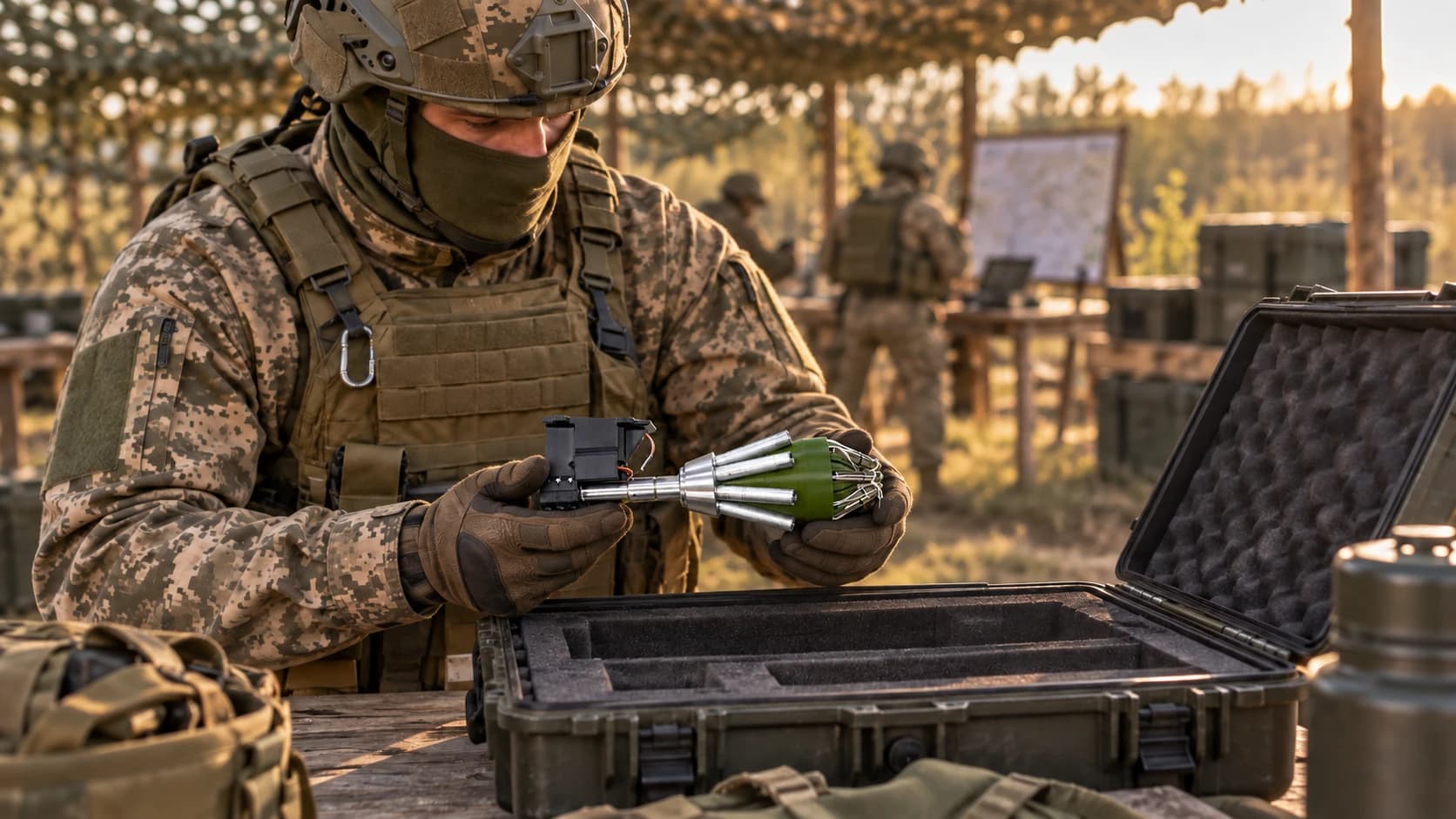
Stage 3. Working with a static training mock-up
A mock-up helps to review the visible result of a demonstration and explain what exactly can be seen on a static object. The instructor records observations with the participants and explains why the result of a single exercise depends on its conditions.
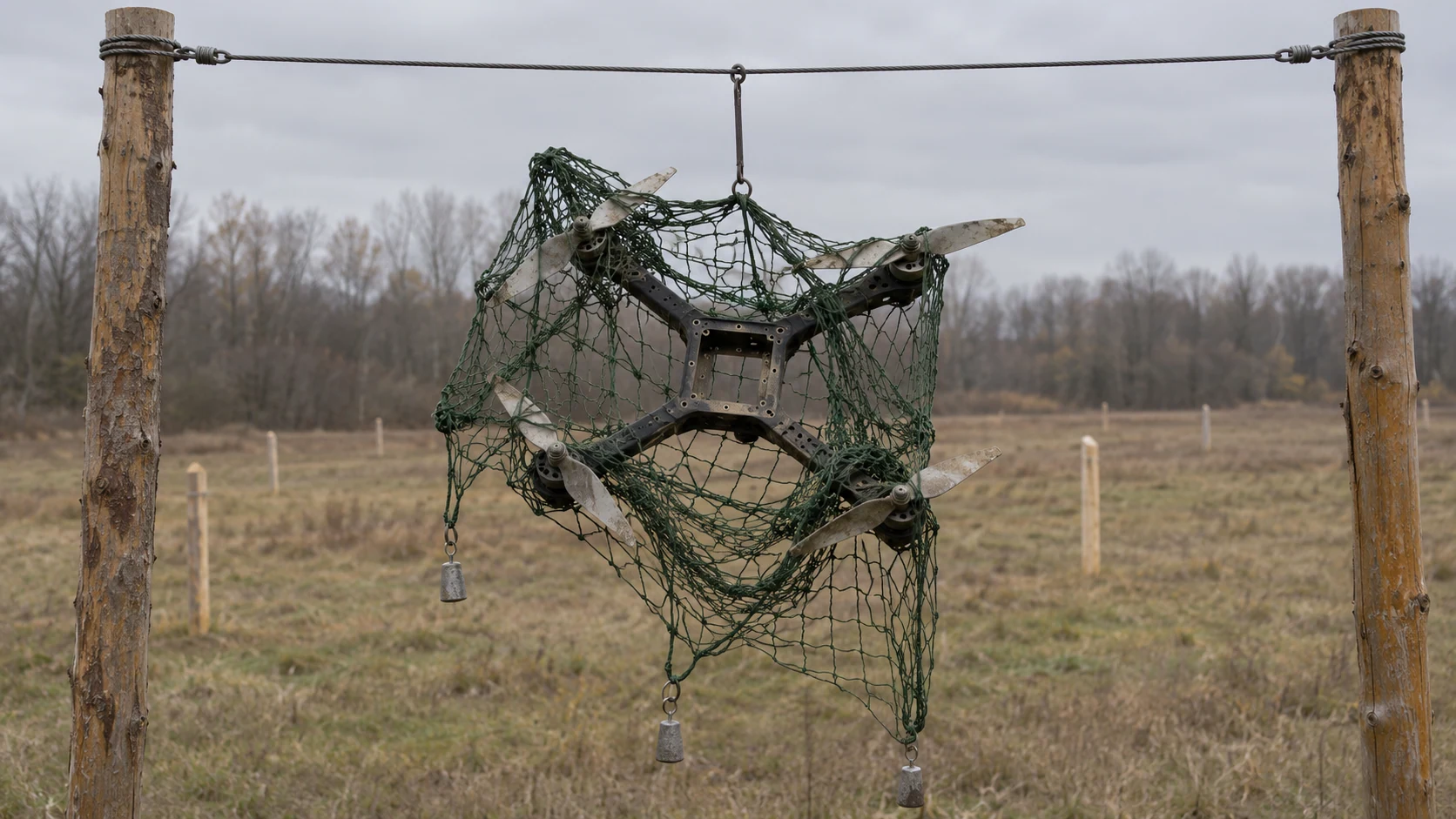
Stage 4. Reviewing a training scenario
The instructor gradually makes training conditions harder to match the group's level. After each exercise participants compare observations, assess compliance with the safety rules and decide what needs repeating. The role of a net launcher in an overall defence system is covered in handheld net launcher or shotgun against FPV drones.
Cartridges and compensation
Before the session decide who keeps records of spent cartridges. The Ptashka loyalty programme can compensate a cartridge for a confirmed training hit. Ask a manager for the current participation terms and confirmation requirements. Manufacturer loyalty programme.
Stage 5. Coordination and debrief
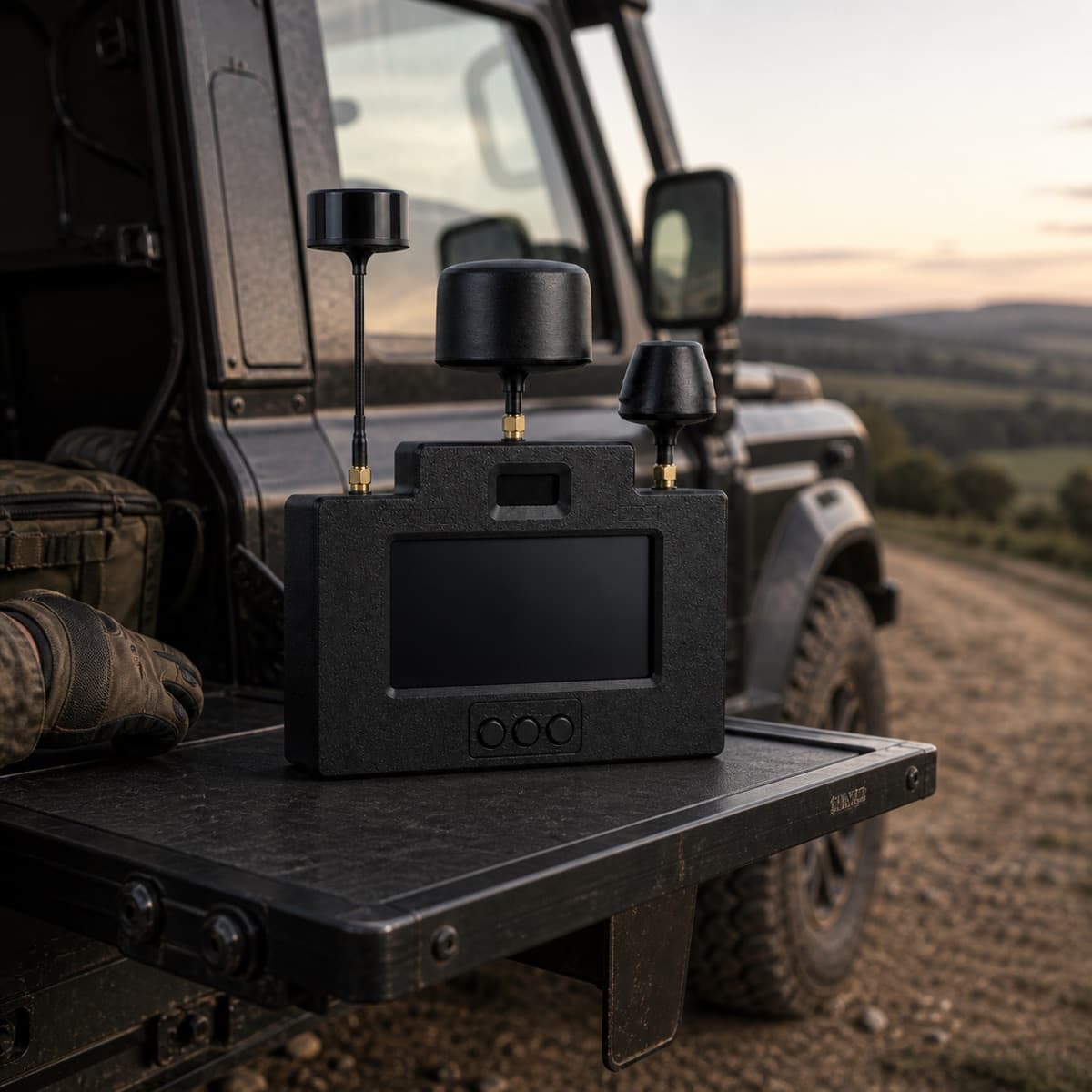
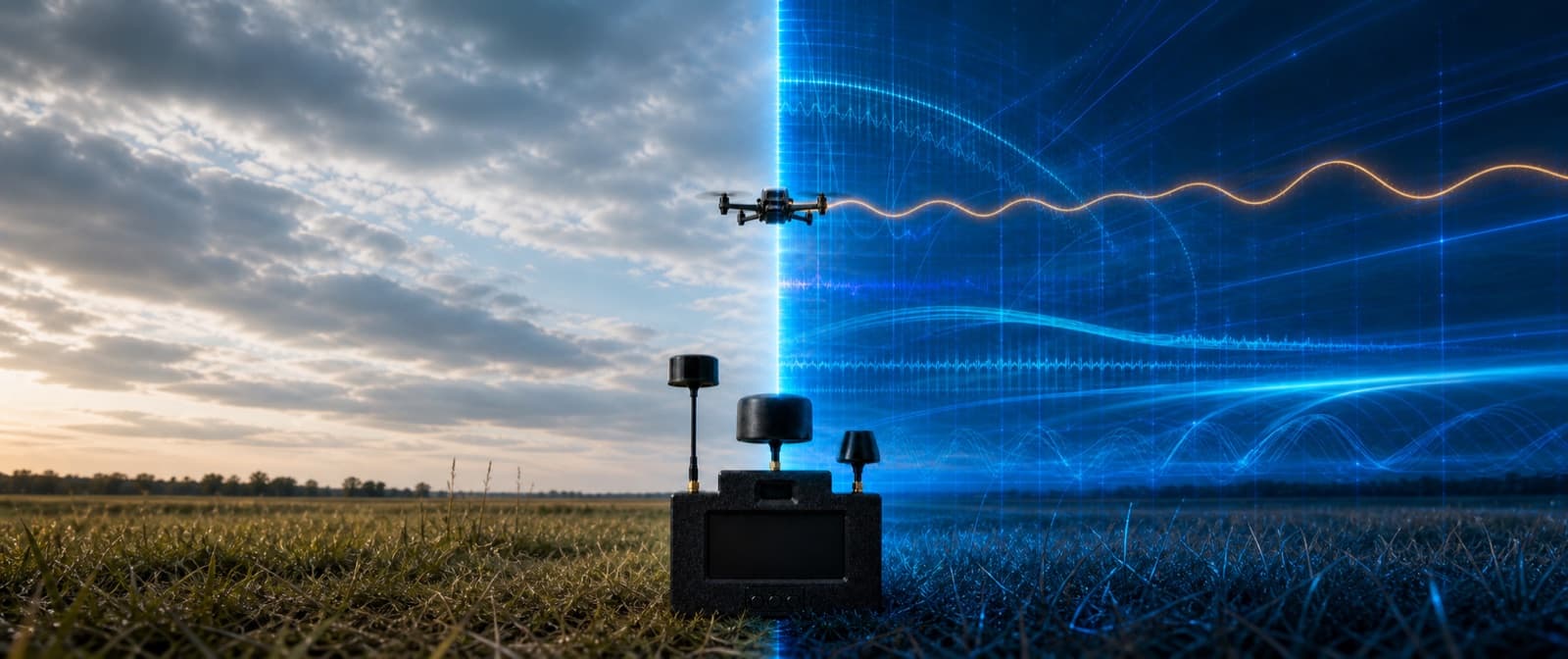
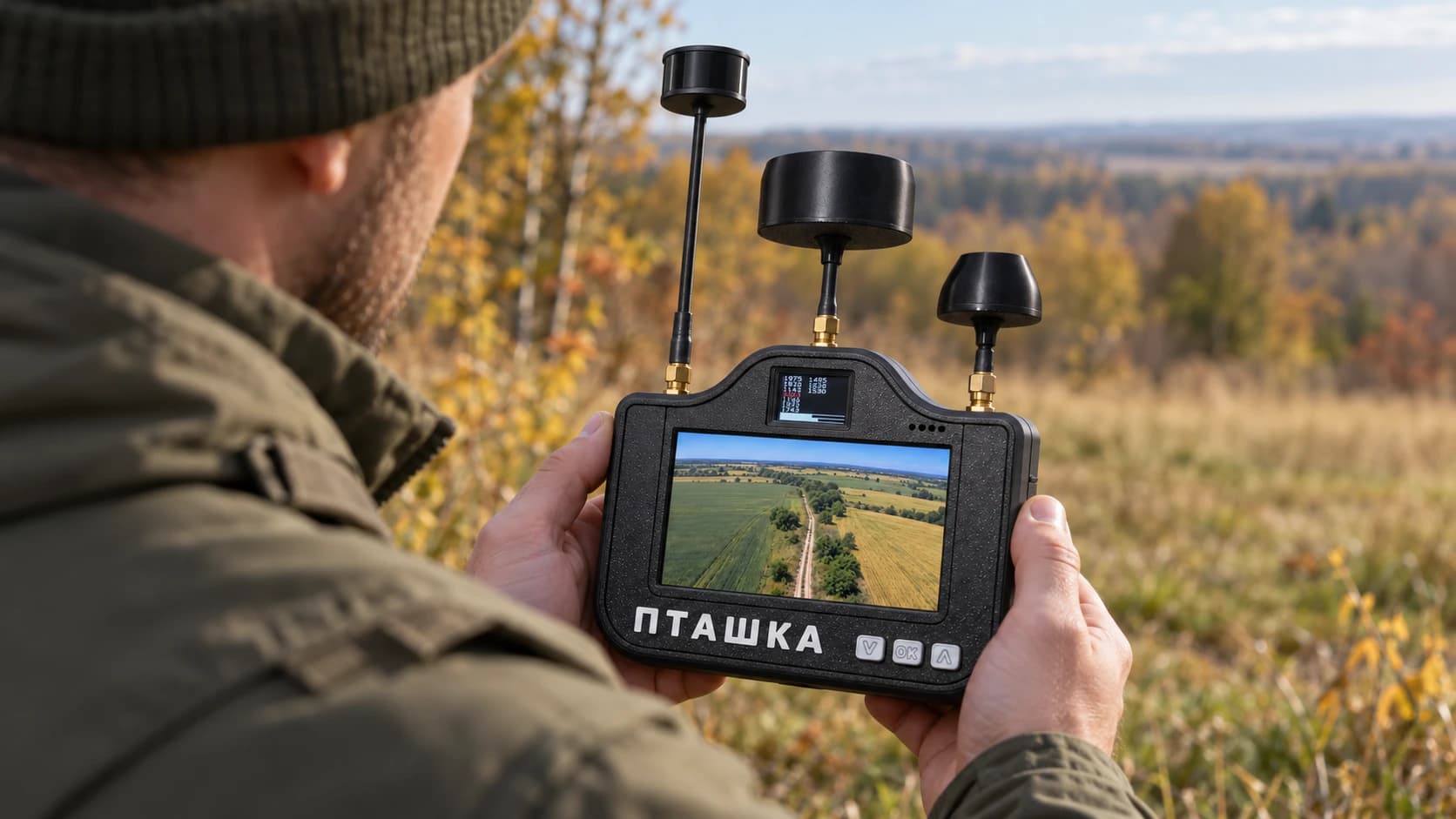
Assign responsibility for observation, exercise control and recording results. At the debrief discuss what information participants received and where misunderstandings arose. The Ptashka detector can register compatible analog video in its supported bands. Its role and limits are covered in RF detector, EW and physical protection against FPV.
Common training mistakes
| Mistake | What to review |
|---|---|
| Participants use different versions of the manual | Check the documentation against the kit before the session. |
| The result of one demonstration is treated as universal | Record the exercise conditions and discuss its limits separately. |
| The session ends without a debrief | Write down what to repeat and check the condition of the equipment. |
How to keep the skill
The instructor sets the plan for repeat sessions. After each one, update a short log of observations and remaining cartridges. Check supply contents against the basic, medium and maximum kit pages.
Frequently asked questions
Is reading this article enough for a practical session?
This material helps plan a session. Practical training is run by an instructor following the manufacturer's documentation and the range rules.
What does a demonstration with a static mock-up show?
It gives participants a shared example to discuss. The instructor explains which conclusions can be drawn from this particular exercise.
Is there compensation for training cartridges?
Training hits may qualify under the loyalty programme on its terms. Ask a manager how to confirm them.
To confirm kit contents or the compensation terms, contact Ptashka Drones.


Related posts
Fixed-wing UAV: what it is and how to choose
What a fixed-wing UAV and wing drone are, how they differ from multirotors, which tasks they suit and the specifications of the Ptashka PD-1.
Starlink drone: how it works
How a Starlink drone works, how a satellite link differs from radio and fibre optics, its limitations and what the Ptashka-17 Starlink can do.
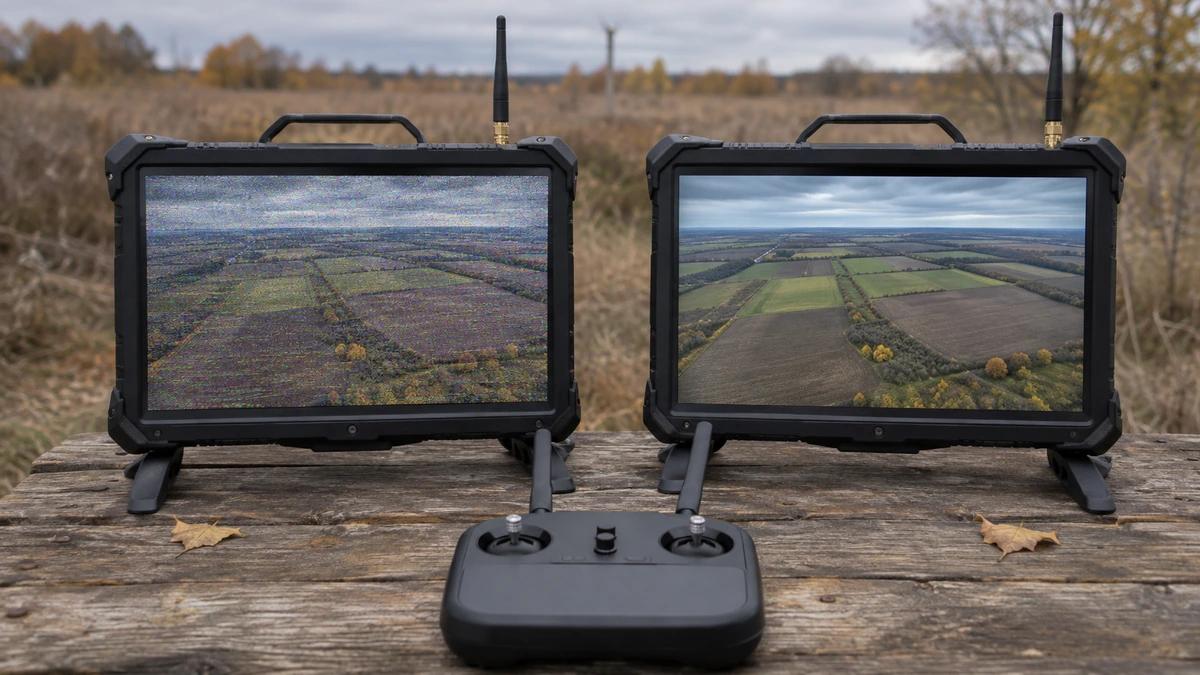
Analog or digital video for FPV
How analog and digital FPV video differ: image quality, behaviour on a weak signal and microphone. What the Ptashka-10 and Ptashka-15 use and how to choose.
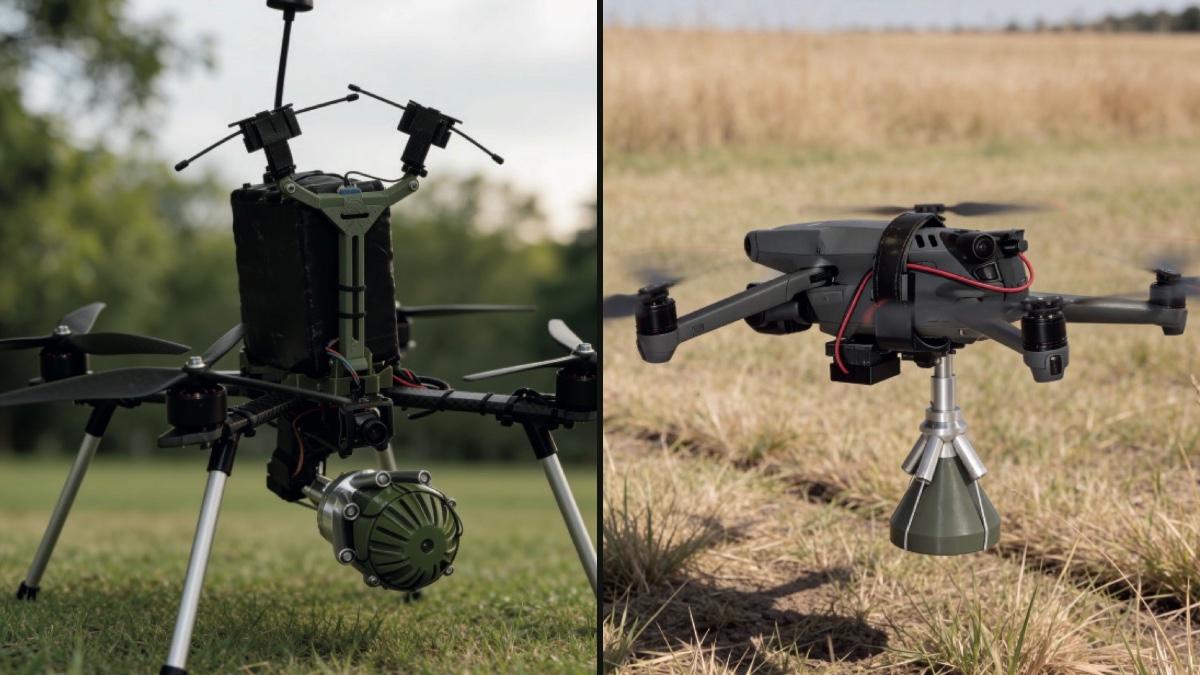
Drone-mounted net launcher: FPV or Mavic
Ptashka drone-mounted net launchers for FPV, Mavic, Autel and Matrice compared: net size, firing distance, weight, activation and compatibility.
Is there a detector for fibre-optic drones
Why an RF detector cannot see a fibre-optic FPV drone and what actually helps spot one: acoustic sensors, observation, reconnaissance drones and physical protection.
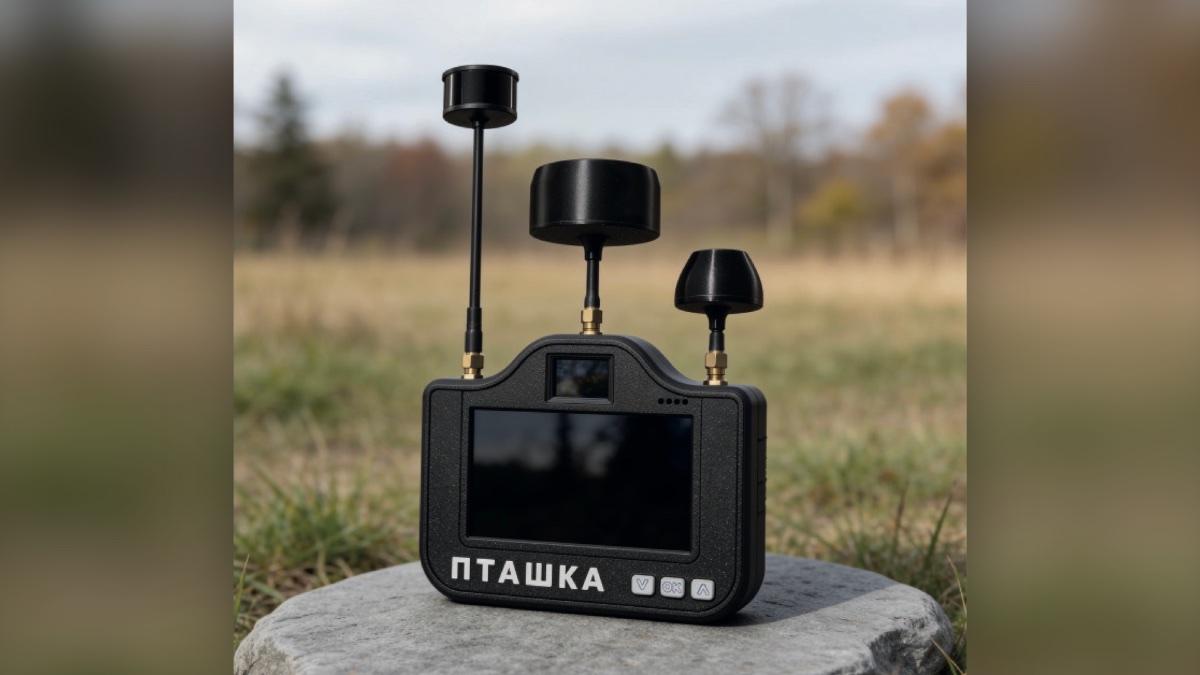
Which frequencies FPV drones use and what a detector sees
Which frequencies FPV drones use for control and video, which bands the Ptashka drone detector scans, and why it does not see DJI, digital video or fibre optics.
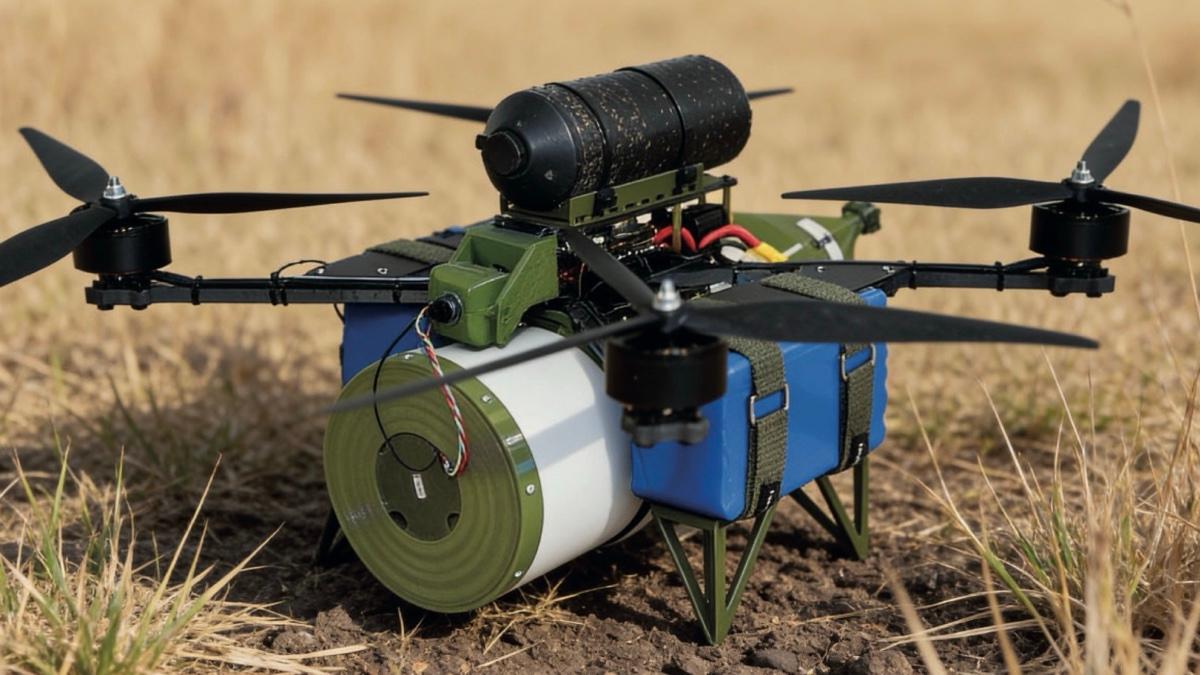
Fibre-optic FPV drone in an ambush: how it works and what the drone needs
How a fibre-optic FPV drone waits for a target in an ambush: ambush mode, landing legs, camera and spool. Suitable Ptashka models and how to protect against ambushes.
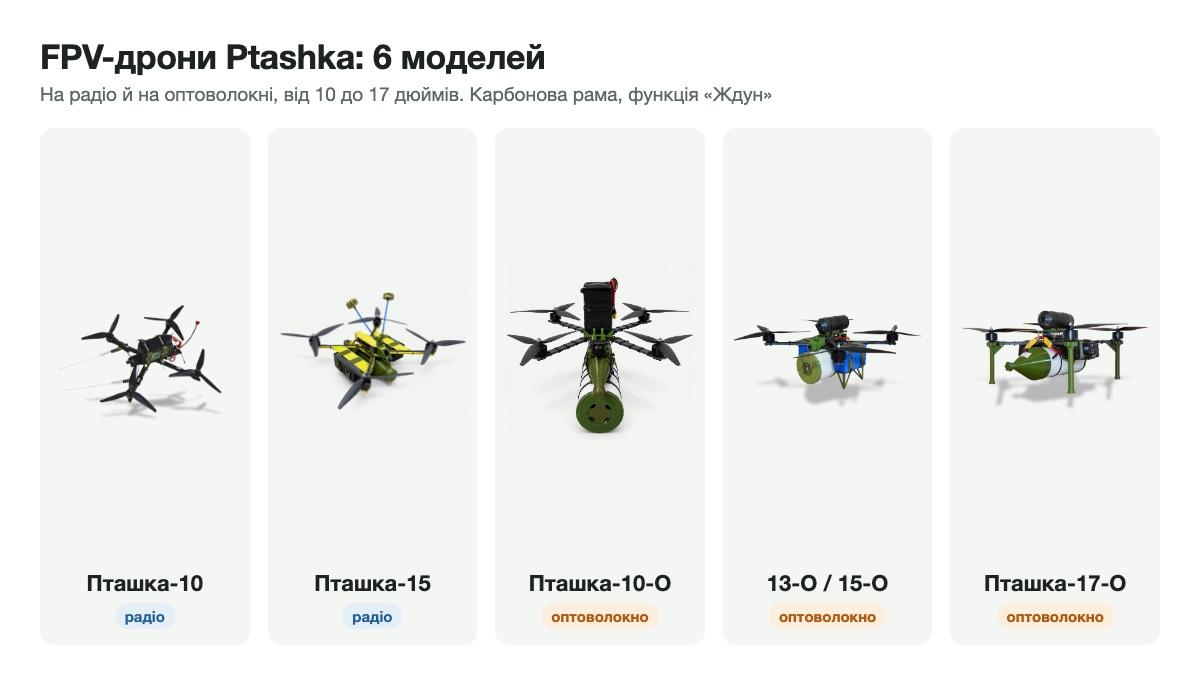
Which Ptashka FPV drone to choose: radio and fibre-optic models compared
Ptashka FPV drones compared: radio, fibre-optic and Starlink models 10, 15, 10-O, 13-O, 15-O, 17-O. Propellers, motors, cameras, range, payload and ambush mode.
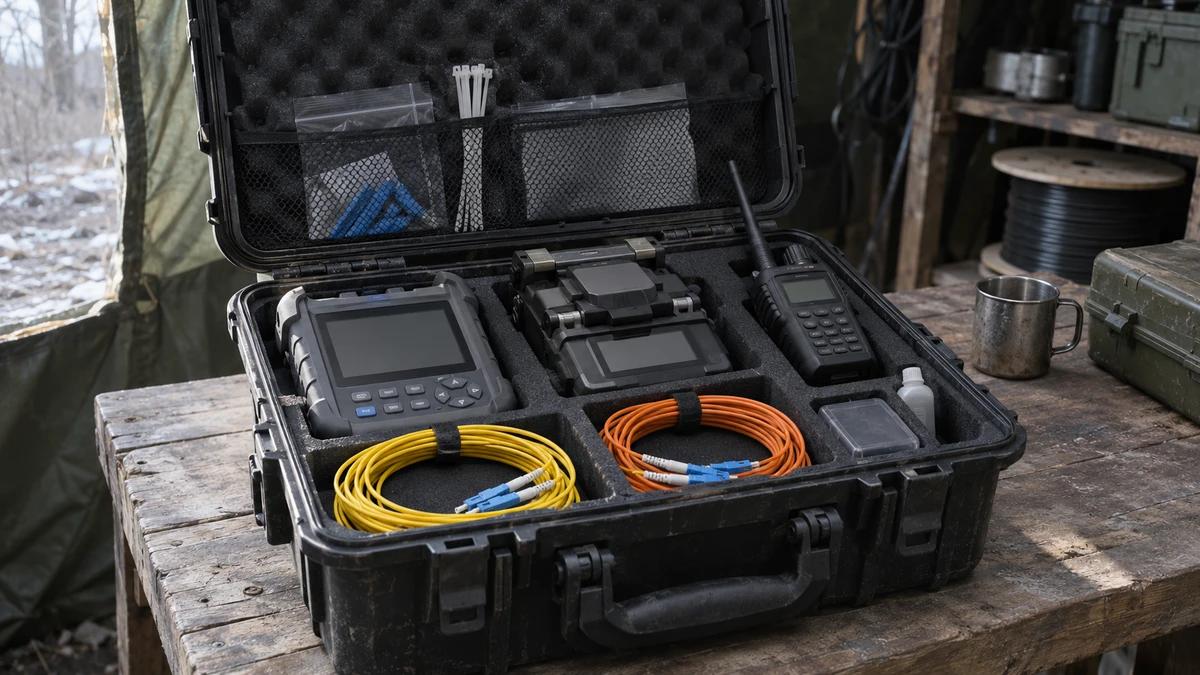
Analog or digital ground station for fibre-optic FPV drones
Analog and digital ground stations for fibre-optic FPV drones compared: kit contents, controller, microphone, video recording and accessories. How to choose.
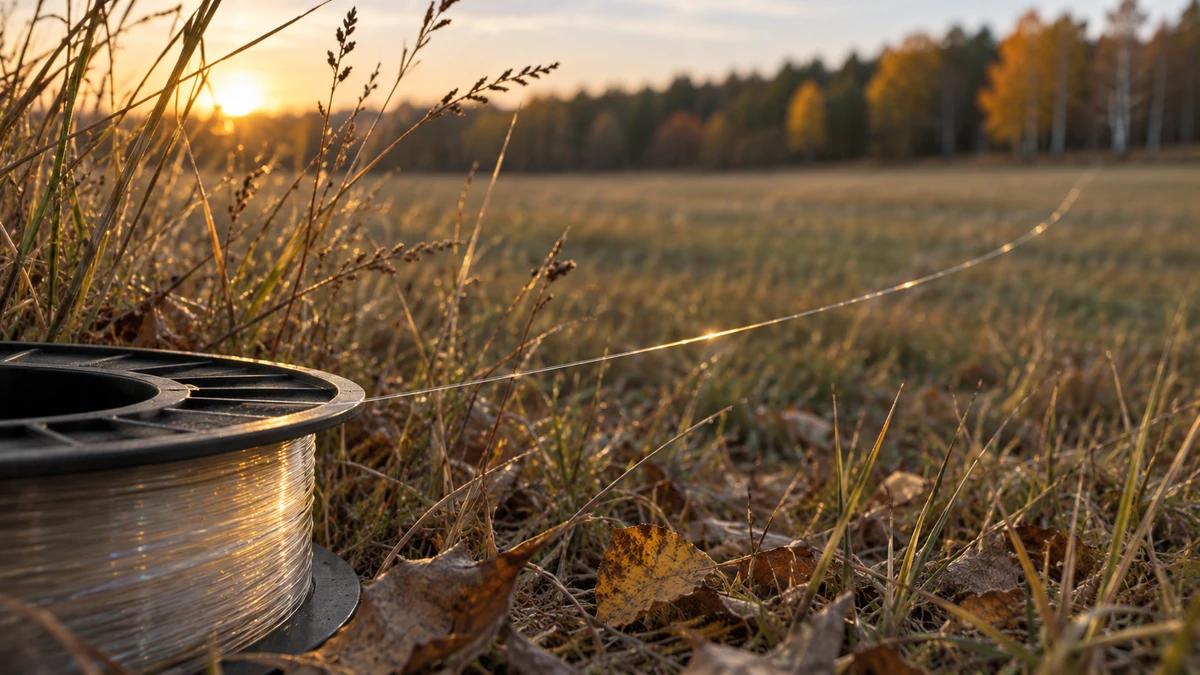
How to choose a fibre-optic spool for an FPV drone: 10 to 50 km
How to choose fibre length for a fibre-optic FPV drone: 10, 15, 20, 25, 30, 35, 40 or 50 km, how to measure the route and which spool fits which drone.
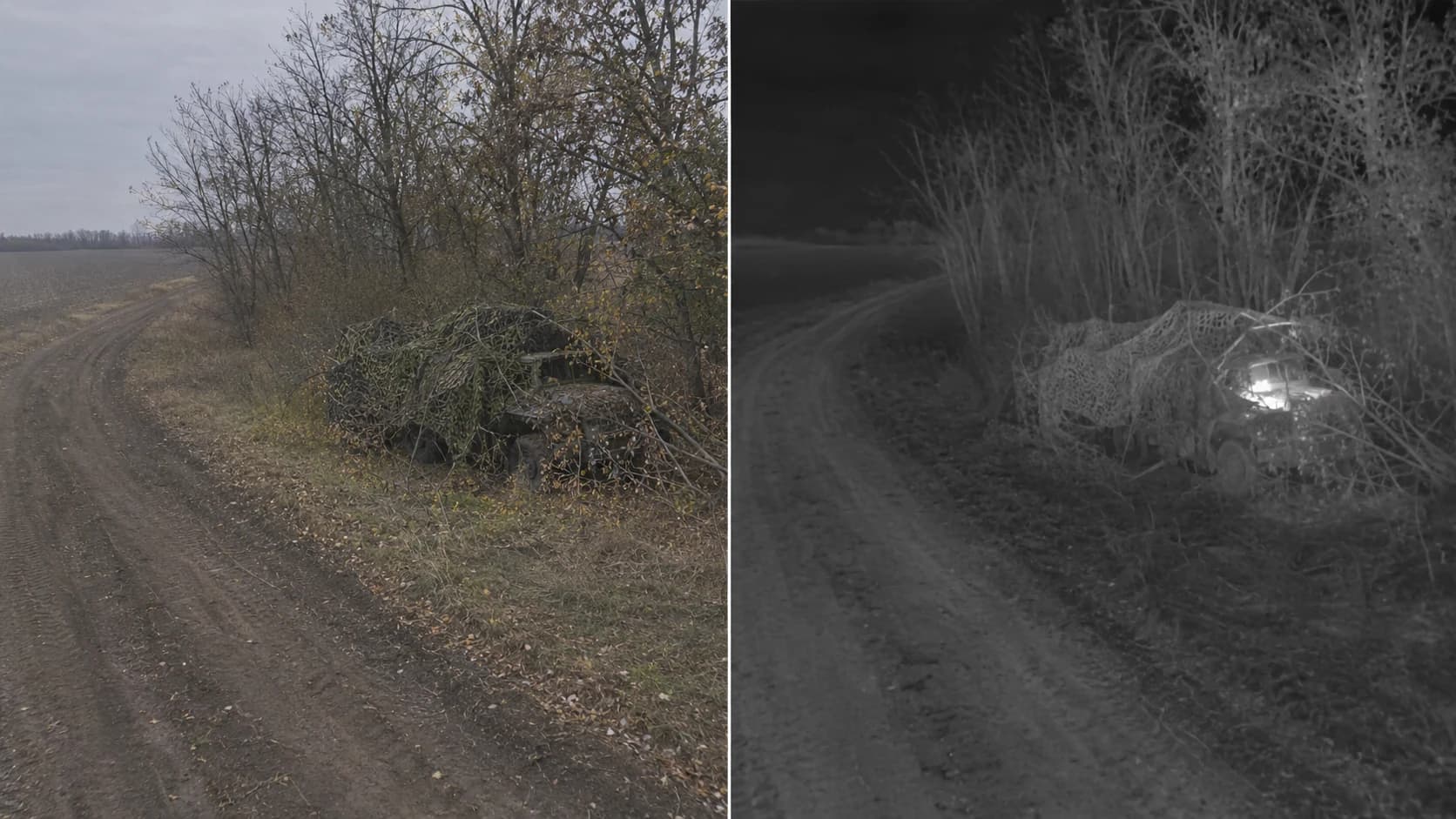
Day or thermal camera for FPV drones
Day and thermal FPV cameras compared by lighting, detail and limitations, with the camera options on Ptashka fibre-optic drones.
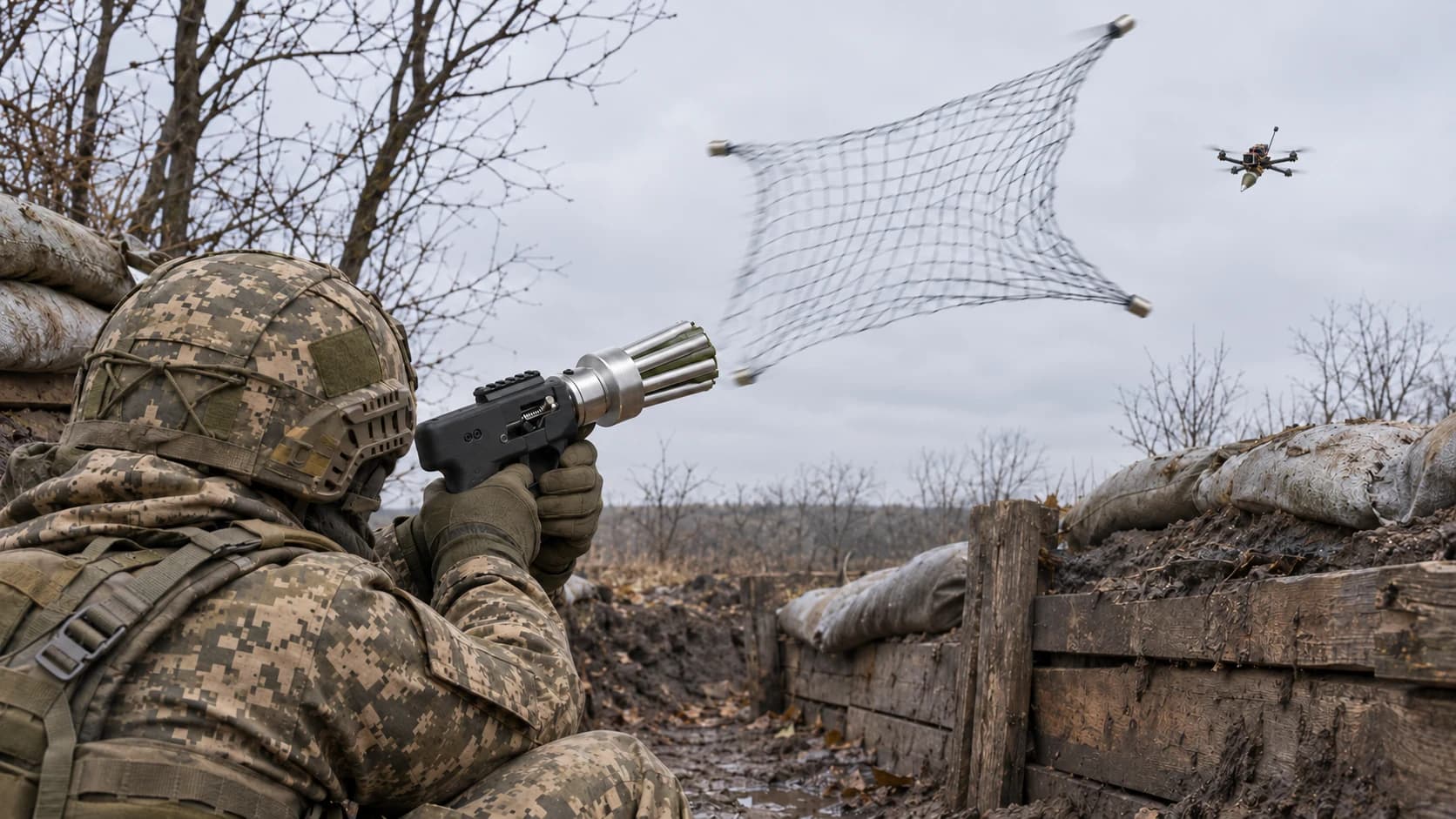
Handheld net launcher or shotgun against FPV drones
A handheld net launcher and a shotgun compared for FPV defence by weight, principle, shots and limitations, plus the Ptashka net gun kits.
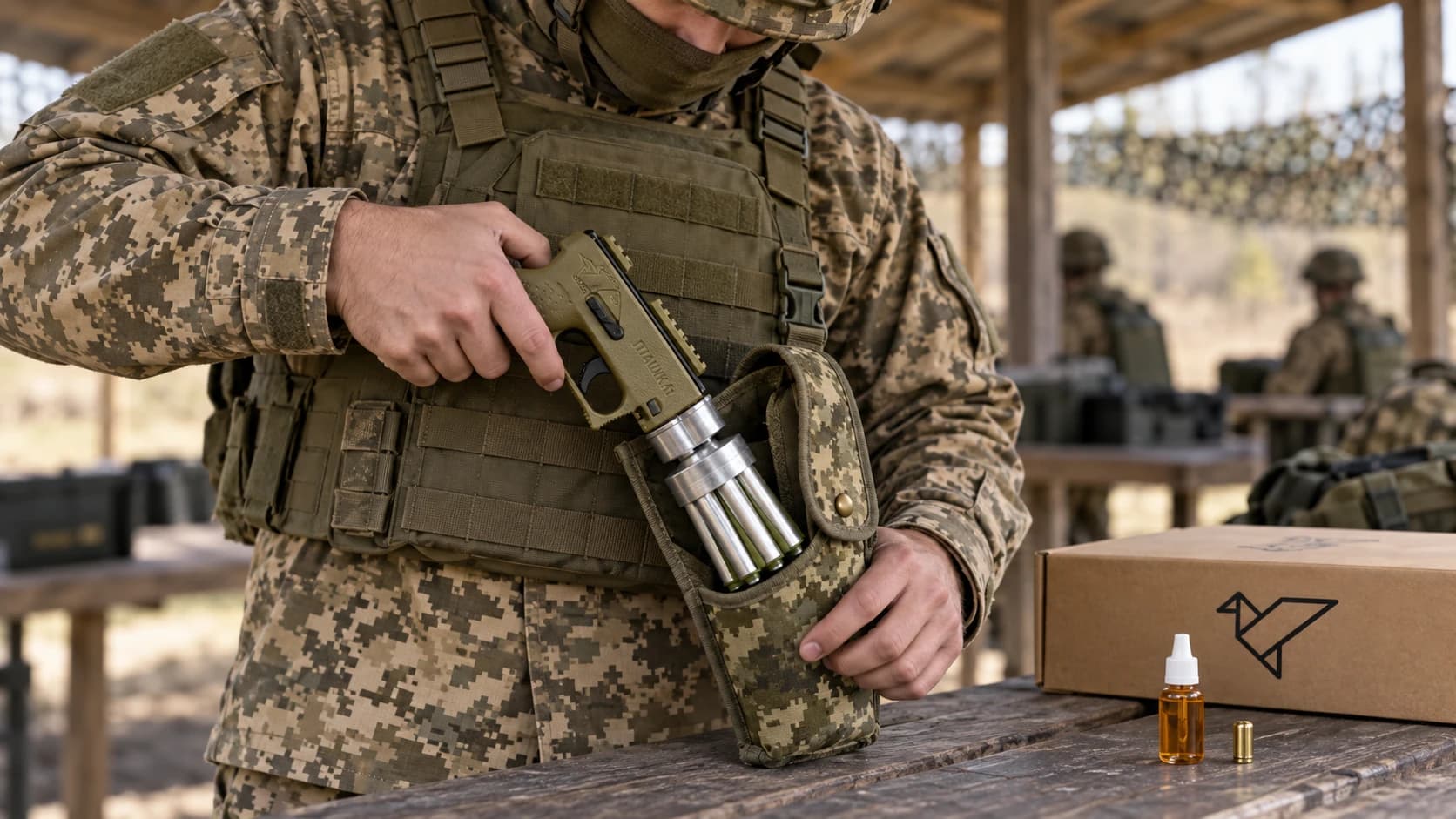
Choosing a handheld net launcher kit
Compare the confirmed contents of Ptashka Basic, Middle and Max handheld net launcher kits. Check the product version, documentation and indefinite free repair and service.
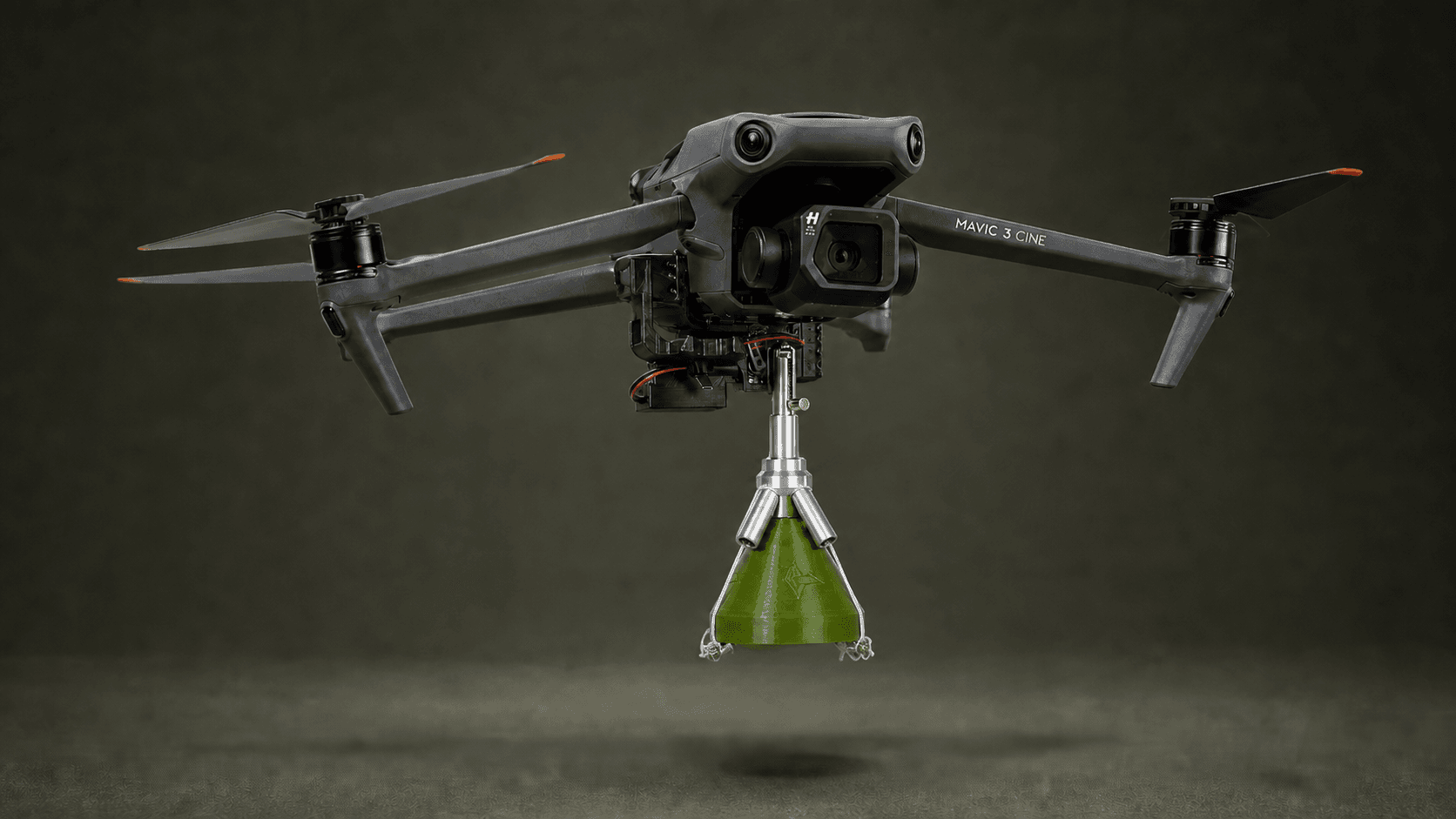
Mavic and Autel net launcher compatibility
Understand the distinction between a drone-carried net launcher and a handheld system. Confirm the precise Mavic, Autel or Matrice platform, version and supply before ordering.
FPV drone net launcher
How an FPV-carried net launcher differs from handheld and Mavic formats. Check the precise platform, module version, supplied contents and documented limitations.
RF detection, electronic warfare and physical protection
Understand the differences between analog RF reception, radio-electronic countermeasures and physical interception, including the limits of Ptashka’s detector and net launchers.
RF detectors for teams, facilities and vehicles
Compare portable detector requirements for teams, facilities and vehicles without assuming universal coverage. Understand the analog-only Ptashka receiver and its limits.
Common FPV drone formats
Compare radio-linked and fibre-optic FPV formats by compatible equipment, complete supply contents, documentation and support rather than an unsupported popularity ranking.
How a fibre-optic FPV drone works
The roles of the optical channel, spool, airborne and ground equipment. Learn why fibre length is not guaranteed flight range and what to confirm before ordering.
Choosing an FPV drone
Check the aircraft version, controller and video compatibility, included equipment, power specifications, documentation and support before ordering an FPV drone.
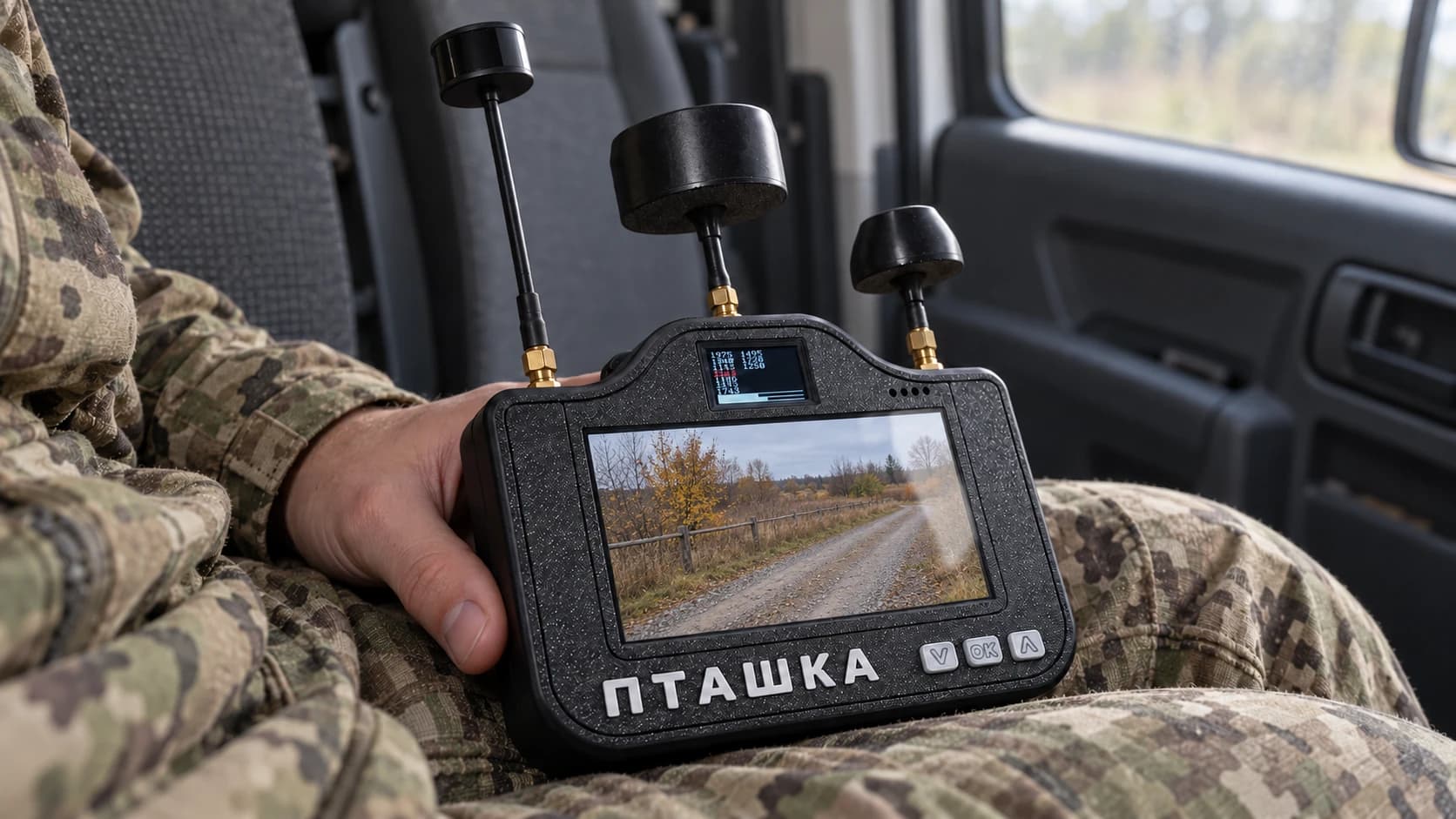
An RF detector in a UAV detection system
How a portable RF detector contributes information to a wider UAV detection process, what Ptashka’s analog-only receiver can show, and why its limits matter.
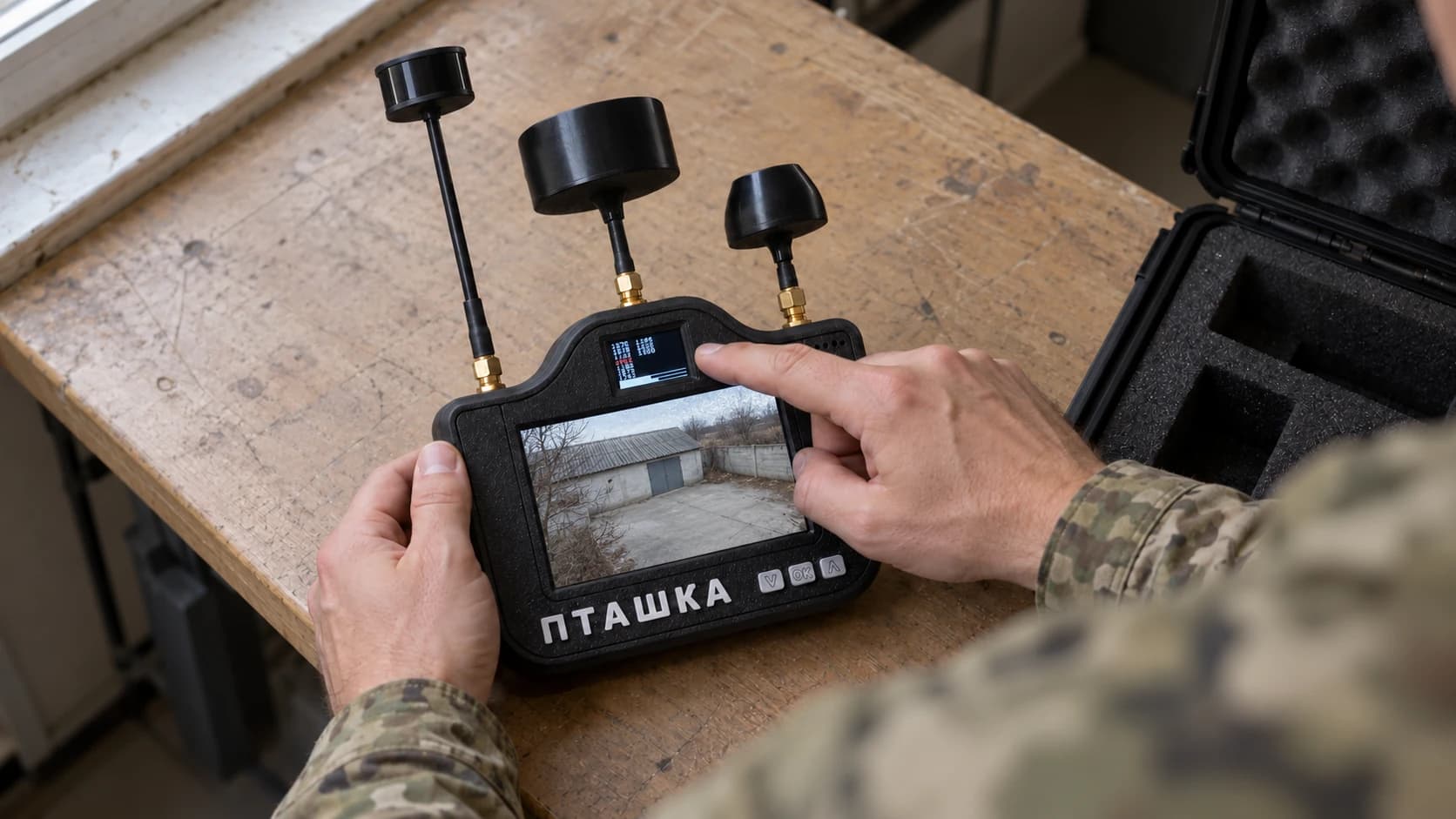
What an RF drone detector can and cannot do
Distinguish supported RF reception and analog video from aircraft identification, coordinates and universal detection. A practical explanation of Ptashka’s limits.
Choosing a portable drone detector
Compare supported signals, frequency bands, displays, battery specifications and support before buying a portable drone detector. Understand Ptashka’s analog-only scope.
What is a fibre-optic drone?
Understand how fibre-optic FPV differs from a radio link, the roles of the airborne and ground parts, and why fibre length does not guarantee flight range.
What is an FPV drone?
An introduction to First Person View drones: the camera, video link, viewing equipment and control functions, with the differences between radio and fibre-optic formats.